How to Automate Your Invoicing and Get Paid Faster
How to Automate Your Invoicing and Get Paid Faster
If you’re a small business owner, chances are you’ve spent too much time sending reminders, tracking down unpaid invoices, and wondering why some clients take weeks to pay. Manual invoicing isn’t just tedious—it slows down your cash flow and eats up valuable hours that could be spent growing your business.
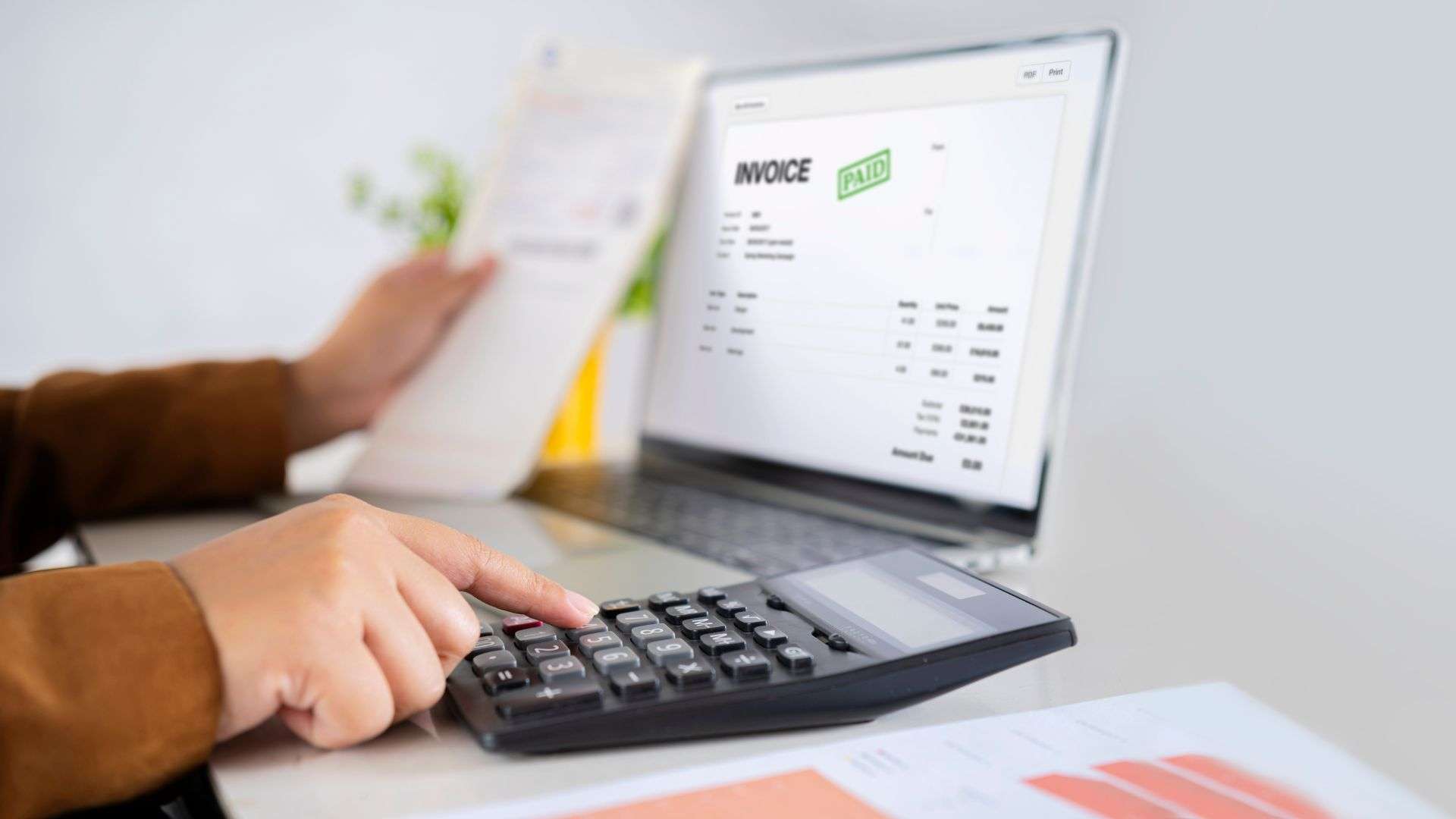
That’s where invoicing automation comes in. With the right tools and systems, you can send invoices, follow up with clients, and even accept payments—without ever opening a spreadsheet.
What Is Invoicing Automation and Why It Matters
The Manual Invoicing Struggle
Manual invoicing might feel familiar, but it’s far from efficient. Each billing cycle, you have to:
- Create the invoice
- Check client details
- Send emails manually
- Follow up if they don’t pay
- Record payments in your system
It’s easy to forget a follow-up, miss a due date, or make an error—all of which can delay payment and damage client relationships.
The Benefits of Automating Your Invoicing
Automating your invoicing isn’t just a time-saver—it’s a strategic move that supports the long-term financial health of your business. From speeding up payments to reducing administrative headaches, here’s a closer look at why more small businesses are making the switch:
- Get Paid Faster
When invoices go out automatically and include built-in payment options, clients are far more likely to pay promptly. Automation ensures invoices are sent as soon as a project is completed or on a recurring schedule—no more waiting until the end of the week (or month) to catch up on billing. Plus, automated reminders gently nudge clients who forget, reducing the need for awkward follow-ups. - Save Hours of Administrative Work
Manual invoicing takes time—especially when you’re dealing with multiple clients and projects. Automation eliminates repetitive tasks like creating invoices from scratch, tracking due dates, and sending follow-ups. That’s time you can reinvest into high-value work like serving clients, marketing your services, or growing your business. - Improve Accuracy and Reduce Errors
Human error is one of the most common causes of delayed payments. Typos in amounts, incorrect client information, or missing details can lead to confusion and disputes. With automation, your invoicing system pulls consistent data from saved templates and client profiles, helping you avoid costly mistakes. - Enhance Your Professionalism
Nothing makes a business look more organized and trustworthy than timely, well-formatted invoices. Automation allows you to send invoices that are consistent in branding, formatting, and tone. This builds credibility with your clients and shows them you take your business and their payment seriously. - Maintain Better Cash Flow
Late payments disrupt cash flow, making it harder to plan, invest, or pay your own bills. Automating invoicing helps maintain a steady rhythm of income by ensuring your billing and follow-up processes are always on schedule. It also gives you visibility into what’s paid and what’s pending, so you can make informed financial decisions. - Get Insights with Real-Time Tracking
Most invoicing platforms include dashboards and reports that show you exactly what’s going on like who paid, who’s late, and what’s due next. These insights help you identify trends, spot late-paying clients, and plan ahead with confidence.
Features to Look for in an Invoicing Automation Tool

Not all invoicing platforms are created equal. When choosing a solution, prioritize these features:
Customization and Branding
Your invoices should reflect your business. Look for tools that let you add your logo, adjust layouts, and personalize messages to maintain a professional appearance.
Recurring Invoices and Scheduled Billing
If you offer subscription-based services or retainers, recurring invoicing lets you set it up once and send invoices automatically on a regular schedule.
Automated Payment Reminders
Say goodbye to awkward follow-ups. These tools send friendly, timed reminders before and after the due date so you don’t have to.
Online Payment Integration
Give your clients the ability to pay instantly with one click via credit card, bank transfer, or services like Stripe and PayPal. The easier it is to pay, the faster they’ll do it.
Real-Time Tracking and Reports
Stay on top of what’s been paid, what’s overdue, and what’s coming up—all in one dashboard. No more guessing where your cash flow stands.
Mistakes to Avoid When Automating Your Invoicing
While automation simplifies the process, there are still a few pitfalls to avoid:
Skipping Personalization
Automation shouldn’t feel robotic. Add personalized touches to maintain a human connection with clients.
Not Reviewing Setup Before Launch
Double-check invoice fields, pricing, and contact info. A single error can delay payment or create confusion.
Using Outdated Payment Terms
If your policies have changed, make sure your invoices reflect that. Clear expectations lead to faster payments and fewer disputes.
Put Your Invoicing on Autopilot with Expert Support from Malhi Accounting
Automating your invoicing is one of the smartest moves you can make to improve your cash flow, save time, and present a more professional image to your clients. With the right tools and setup, you’ll spend less time chasing payments and more time doing what you do best—running your business.
At Malhi Accounting, we help small business owners streamline their financial processes, from invoicing to full-service bookkeeping and tax planning. If you’re ready to modernize your billing system and take the guesswork out of your finances, we’re here to support you every step of the way.
Get in touch with Malhi Accounting today to learn how we can help you automate your invoicing and keep your business financially healthy and organized.